Drag-and-Drop File Uploads in the Chatbot Widget

Samuel Su
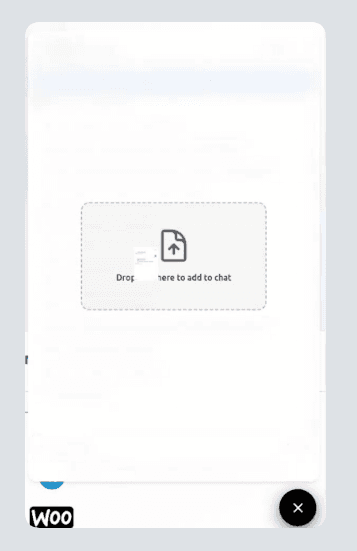
on January 24, 2026We're excited to add drag-and-drop uploads to the website chatbot widget, so visitors can share files faster without changing your setup.
Key Features
- Drag-and-drop in the widget - Drop files into the upload area to attach them instantly.
- Multi-file uploads - Add multiple supported files together for richer context.
- Click upload still available - The existing upload button stays in place.
How It Works
- Enable File Uploading - Turn it on in Settings > Chat Interface.
- Drag or click - Drop files into the widget or click to browse.
- Same file rules - Supported file types remain unchanged.
Get Started
- Open settings - My Chatbots > [Chatbot] > Settings > Chat Interface.
- Enable uploads - Toggle File Uploading on.
- Test the widget - Open the widget and drag in a few files.
Enable File Uploading in Settings > Chat Interface and try the new drag-and-drop flow.