Changelog
Stay up to date with the latest Chat Data feature updates, improvements, and bug fixes.
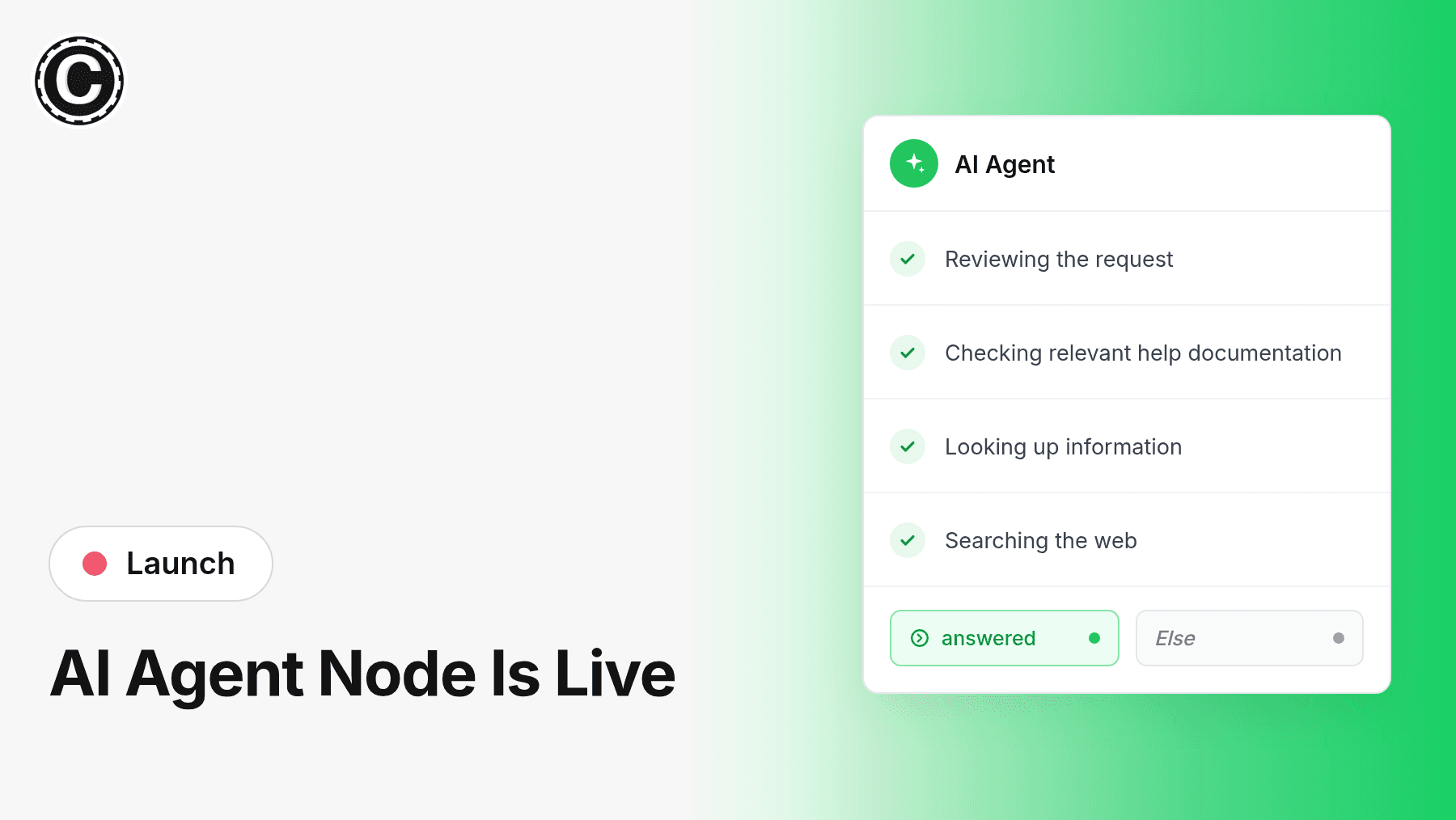

2026-10-23
Your workflows can now include an AI agent that works through a task on its own: it uses your tools as many times as it needs, checks your knowledge base when it helps, and decides when the job is done.
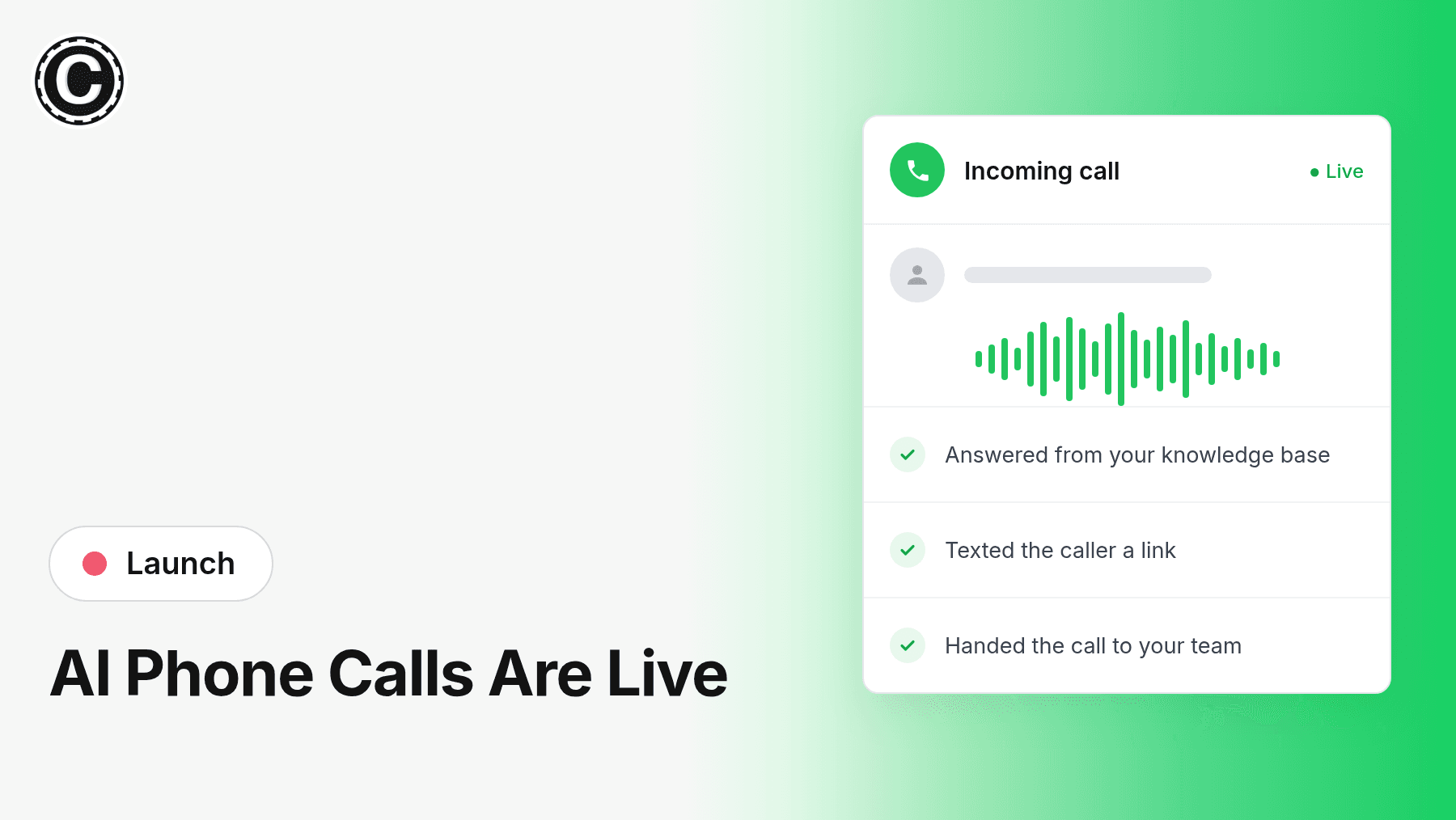
2026-10-17
Your AI agent can now answer your business phone. Connect your phone number and callers talk with your agent in a natural, spoken conversation, with the same knowledge and actions it uses in chat.
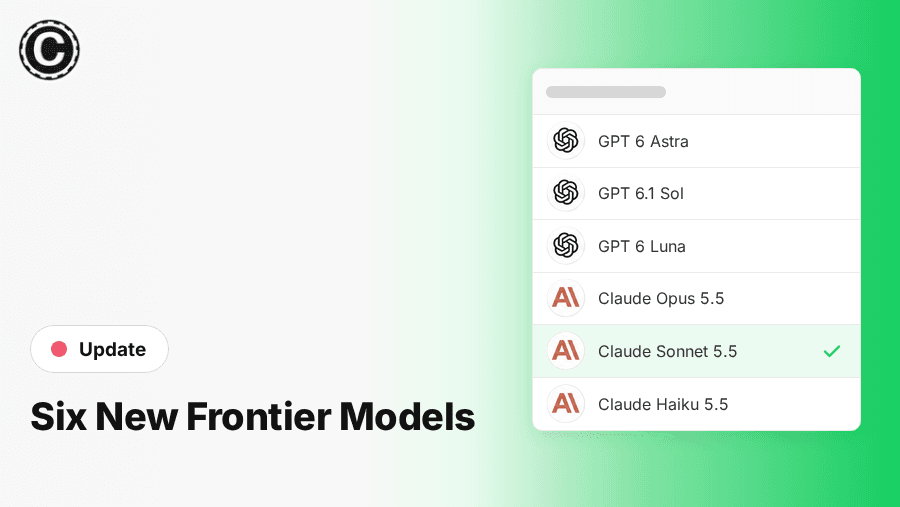
2026-10-10
GPT-6 Astra, GPT-6.1 Sol and GPT-6 Luna, plus Claude Opus 5.5, Sonnet 5.5 and Haiku 5.5, are live in the model picker. Every one has a million-token context window and two cost half a credit per message. GPT 5.6 Sol is now cheaper, and a few older models cost a little more.
- improvementOct 8, 2026
Configurable system prompt length limit
Every agent now gets a 10,000-character system prompt at no extra cost, and you can raise the limit under Limits Control. The same allowance applies to workflow AI Conversation and UI Generation block prompts. Text beyond the first 10,000 characters is billed by its actual token count; the Limits Control page shows the rate and what your current prompt adds per message.
- improvementSep 19, 2026
Set ice breakers for Messenger and Instagram
Connected Messenger pages and Instagram accounts now have an Ice Breakers section in the integration panel, where you can set the tappable questions a first-time visitor sees. Prompts are read from and written straight back to the platform, so the panel always shows what visitors actually get.
- improvementSep 10, 2026
Privacy consent now gates user info requests
With the privacy consent modal enabled, the chatbot no longer asks the host page for user information until the visitor accepts, and requests it once at that point. Rejecting clears the copy the chatbot keeps, so it is no longer attached to later messages.
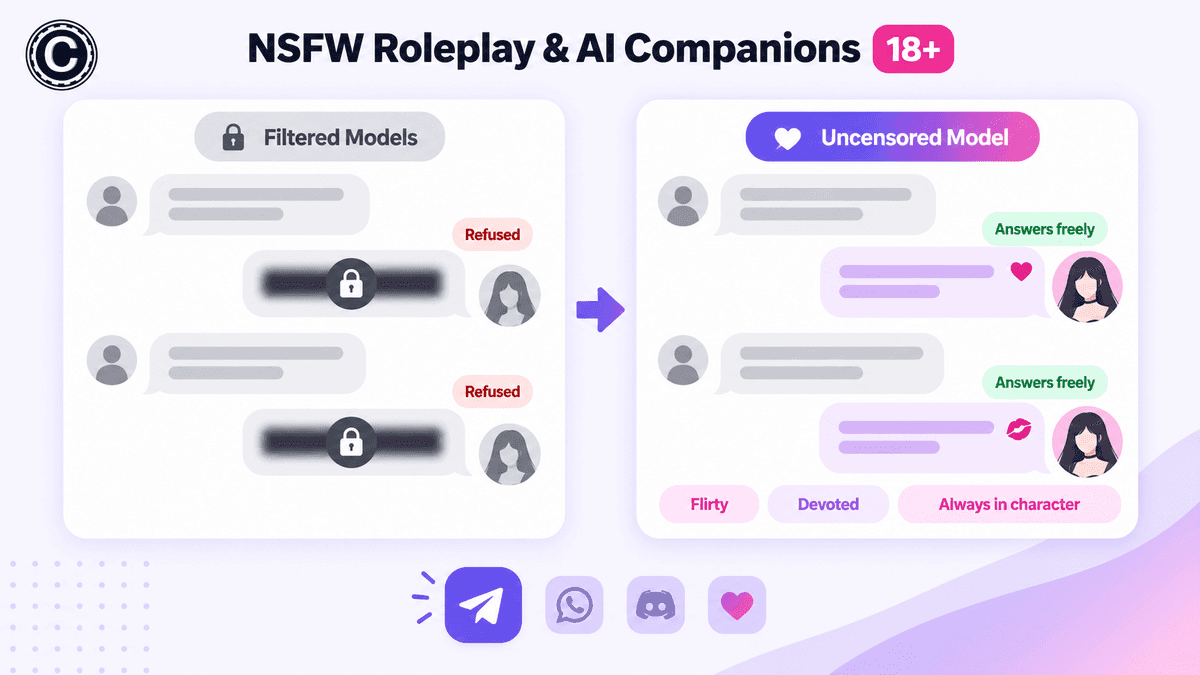
2026-09-05
A new uncensored model built for character-driven chat. Your agent stays fully in persona — no moralizing, no "as an AI" disclaimers, and no refusing adult conversations.
Built for:
- Virtual girlfriend and companion agents on Telegram, WhatsApp, and Discord
- Adult entertainment and 18+ community bots
- Long-running characters that never break role
Available now in your model selector at 1 credit per message.
- improvementSep 1, 2026
Rapid message bursts are now answered together
When a response delay is configured on WhatsApp, Messenger, or Instagram, messages sent in quick succession are merged into a single turn and answered with one reply, instead of triggering a separate response per message.
2026-08-31
Two Ways to Connect — Choose Before You Install:
- From Shopify: billed on your Shopify invoice, one agent per workspace
- From Chat Data: stay on Stripe, keep every agent your plan allows
One-Click Setup:
- No access tokens, no theme code
- Store domain, product catalog, and training set up for you
Commerce-Aware Agent:
- Order tracking, real-time product sync, leads mirrored into Shopify Customers
No-Code Storefront Widget:
- Theme App Extension app embed that survives theme changes