IP Blocklist & Allowlist

Samuel Su
on January 15, 2025We’re excited to introduce IP-based access control for your chatbot! Now, you can enhance security and manage user access with customizable blocklists and allowlists.
🚀 What You Can Do
- ✅ Block malicious users and prevent spam
- ✅ Restrict access by country to comply with regulations or business needs
- ✅ Limit chatbot usage to specific company networks or authorized IPs
⚙️ How It Works
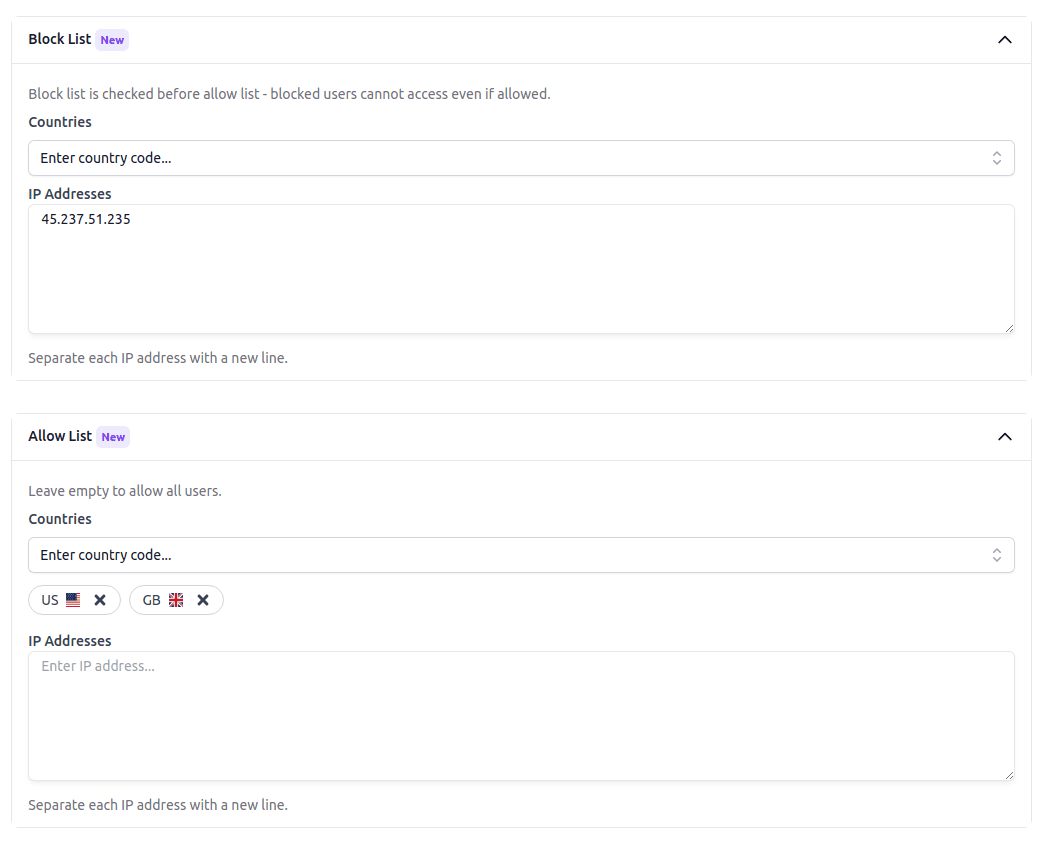
- 🔹 Blocklist Check – If an IP is in the blocklist, access is denied. Otherwise, it moves to the allowlist check.
- 🔹 Allowlist Check – If the allowlist is empty, all users (except blocked ones) can access the chatbot. If the allowlist has entries, only listed users are allowed.
- 🔹 Full Access Control – Even if an IP is in the allowlist, it will be blocked if also found in the blocklist.
🔧 How to Set It Up
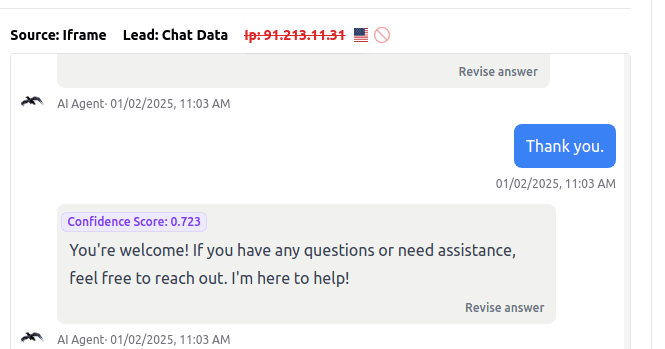
Go to Settings > Security to configure your blocklist and allowlist. You can also block/unblock IPs directly from the Chat Logs, Leads Dashboard, and Live Chat Dashboard.
Check out the IP Blocklist & Allowlist documentation for more details.