Keep Your WhatsApp Business App and Let Your AI Agent Answer Too

Samuel Su
on November 2, 2026Until now, connecting a number to our official WhatsApp integration meant moving it off the WhatsApp Business app on your phone. Many businesses run their day from that app, so they had to choose.
Now you don't. Connect the number you already use, keep the app on your phone, and let your AI agent answer customers on the same number.
What's new
- One number, two ways to reply. Your AI agent answers customers on WhatsApp, and you can still reply yourself from the WhatsApp Business app.
- Your replies show up in Chat Data. Messages you send from your phone appear in Live Chat and the conversation history, so your team sees the whole conversation.
- The AI steps back when you step in. Reply from your phone and the AI pauses for that chat, so it won't talk over you. You can turn this off.
- Easy to spot. Numbers that are also on the WhatsApp Business app are marked in your WhatsApp integration.
How it works
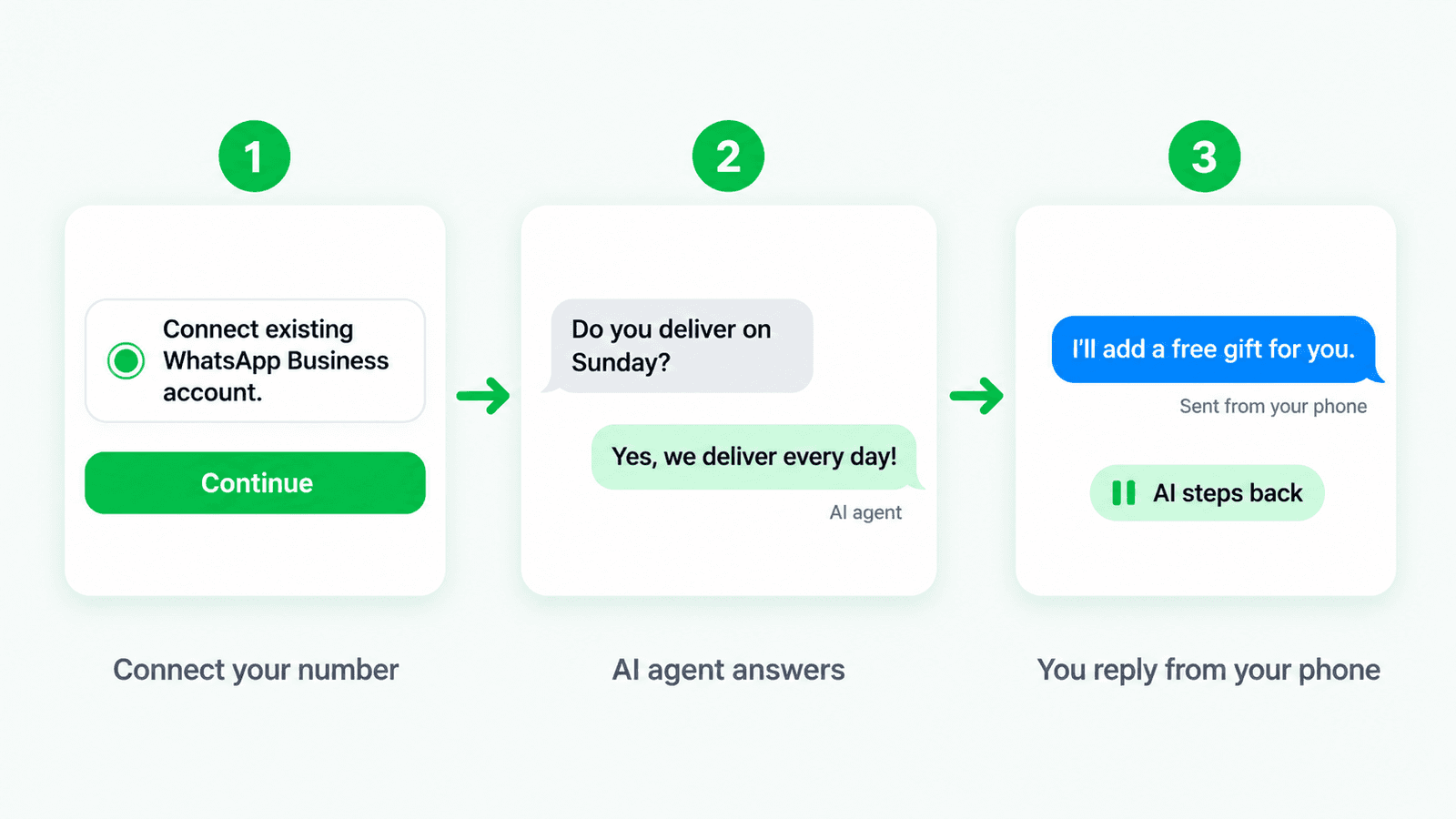
- Connect your existing number from the WhatsApp integration. In the Meta window, choose to connect your existing WhatsApp Business account.
- Your AI agent answers customers who message that number.
- Jump in from your phone whenever you like. Your reply lands in Chat Data and the AI steps back for that chat.
Good to know
- Use an up-to-date WhatsApp Business app, and keep it open on your phone while you connect.
- A few app features change. Once connected, WhatsApp switches off some app features, such as broadcast lists, and you'll need to link your other devices again.
- Already connected? Nothing changes for numbers you've connected before. New numbers that aren't on the app connect just like they always have.
Get started
Go to Dashboard > [Chatbot] > Integrations, open WhatsApp, and click Connect. Choose your existing WhatsApp Business account in the Meta window and finish the steps.