Changelog
Stay up to date with the latest Chat Data feature updates, improvements, and bug fixes.

2025-02-24
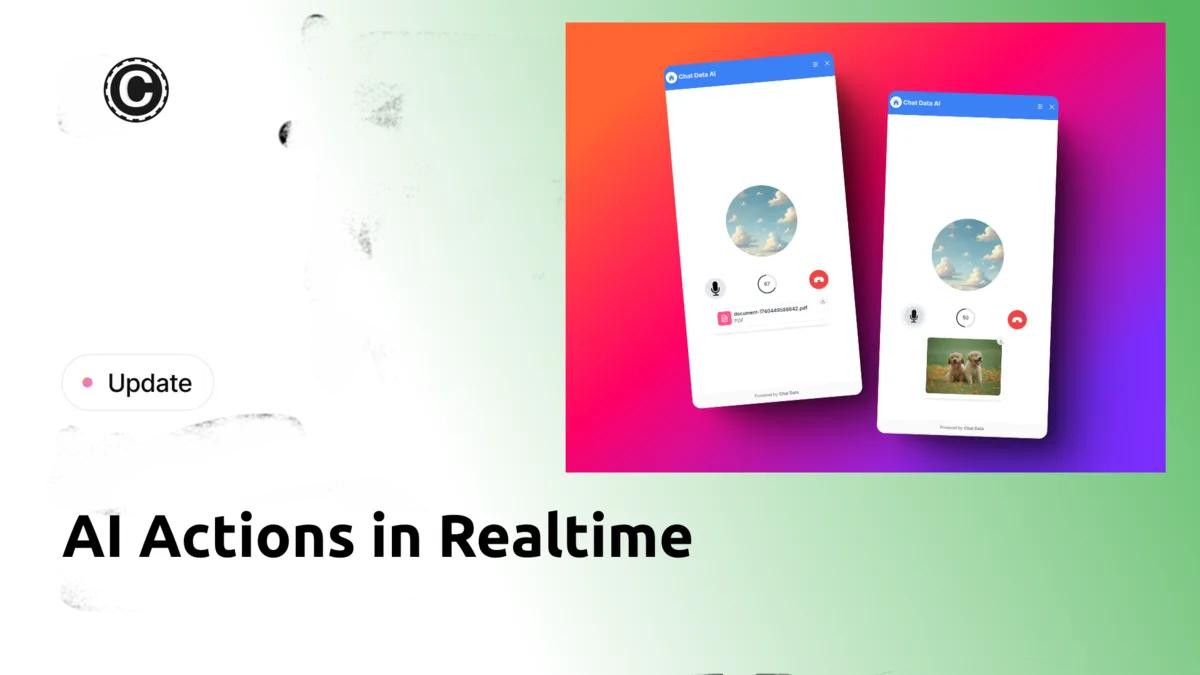
Introducing AI Actions in Realtime - Extending our AI actions capability to voice conversations, enabling AI agents to perform all actions previously available only in text chat.
Overview
We've expanded our AI actions feature to support realtime voice-to-voice interactions. AI agents can now execute actions and display results directly in voice conversations, creating a unified experience across text and voice interfaces.
New Capabilities
- Content Generation: Create images and PDF documents by talking to your AI agent
- Interactive Features: Execute searches and trigger button actions via voice
- Background Processing: Support for lazy chat actions and lead collection
- Realtime Results: View action outcomes directly in the chat interface
Impact
This update eliminates the previous limitation where AI actions were restricted to text-based interactions, enabling a seamless experience regardless of communication method.
2025-02-19
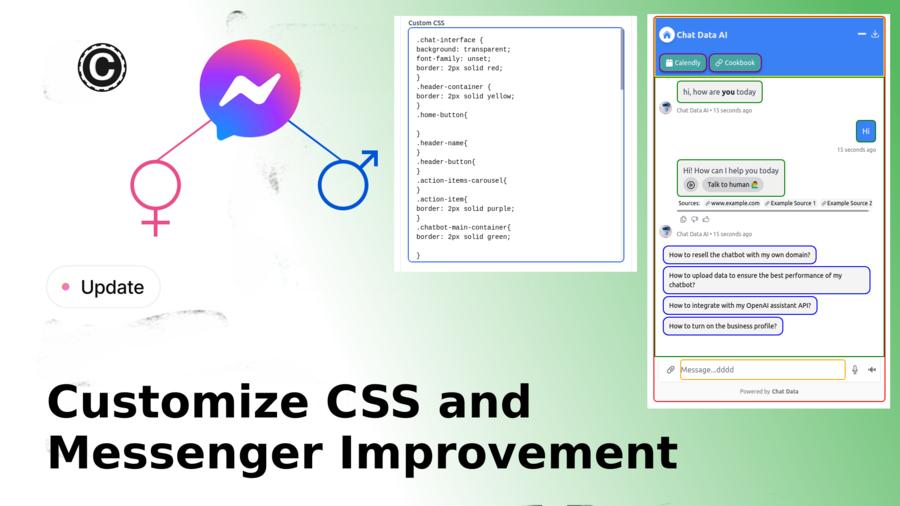
We're excited to announce two major updates to enhance your chatbot experience:
CSS Customization
Fully customize your chat interface's appearance with comprehensive CSS controls. Style everything from containers to buttons through the Settings > Chat Interface panel.
Messenger Enhancement
Added gender-based personalization support for Facebook Messenger integration, enabling more targeted product recommendations and interactions.
These updates give you more control over your chatbot's appearance and intelligence, helping you create better user experiences.
2025-02-17
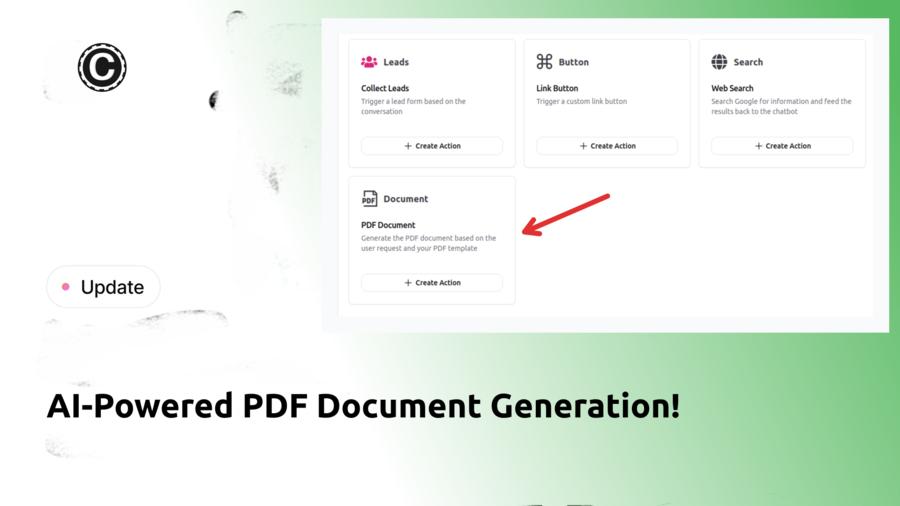
Introducing AI-Powered PDF Document Generation! Create and send professional PDFs automatically within conversations.
📝 What's New?
- ✅ Generate custom PDFs (receipts, agreements, certificates)
- ✅ Auto-extract conversation details into templates
- ✅ Instant A4 PDF delivery
⚙️ How It Works
- 🔹 Design templates with our rich text editor
- 🔹 Set AI-fillable dynamic fields
- 🔹 Let AI automatically generate personalized PDFs in real-time
2025-02-14
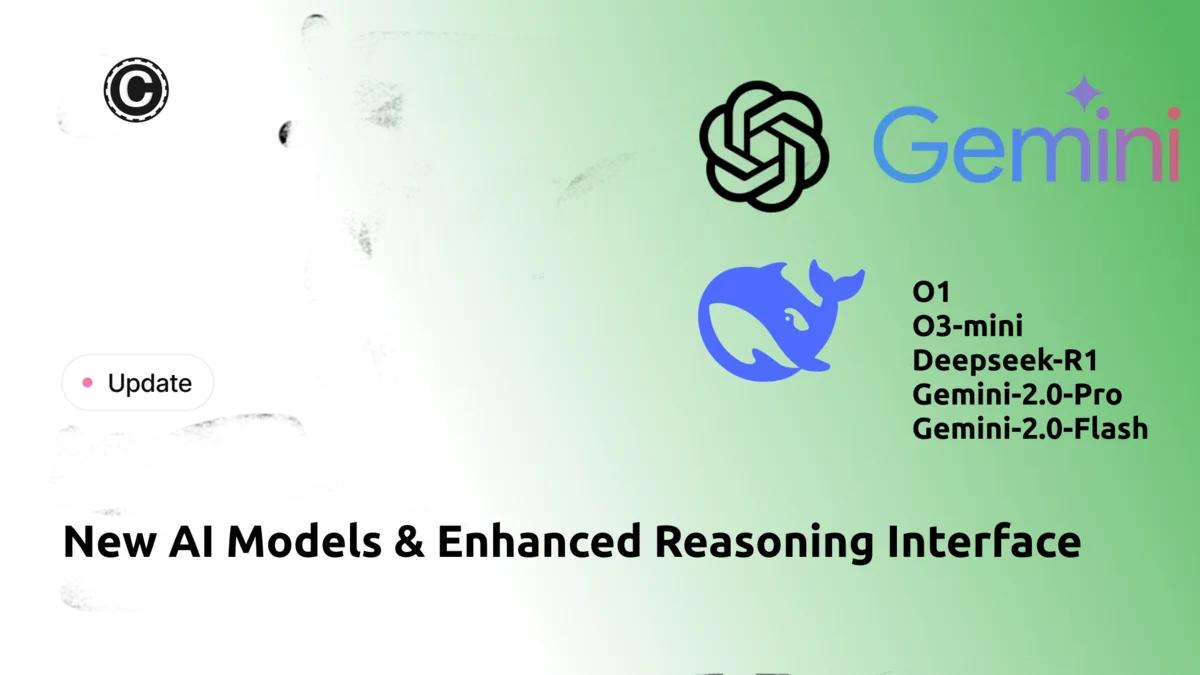
Introducing powerful AI model upgrades to enhance your chatbot capabilities:
🧠 New AI Models
- GPT O1 – Advanced reasoning for STEM & coding
- GPT O3 Mini – Fast, efficient technical processing
- Deepseek R1 – High-performance reasoning
- Gemini 2.0 Flash – Low-latency multimodal support
🤖 New Features
- Real-time reasoning interface with step-by-step visibility
- Enhanced model selection including Gemini Flash 2.0 & Gemini 2.0 Pro
- Seamless tool integration and workflow optimization
2025-02-05
Introducing Stripe Metering Setup for seamless usage-based billing of your chatbots.
🚀 Quick Setup
1️. Connect Stripe account in Account Settings
2. Create meter and pricing model in Stripe
3. Enable metering in Settings > Metering
⚙️ Features
- Bill by message credits or count
- Support for static (fixed) or dynamic (lead-based) customers
- Track usage via email, name, or phone
Monitor real-time usage in Stripe's Metering Dashboard.