Changelog
Stay up to date with the latest Chat Data feature updates, improvements, and bug fixes.

2025-03-16
We're excited to introduce custom voice support for your chatbot! Your AI can now speak with your chosen ElevenLabs voice across all platforms - from WhatsApp to your website widget.
Key Features
- 🎯 Custom ElevenLabs voices for all chat responses
- 🔌 Works with WhatsApp, Messenger, Instagram, Slack, and Discord
- ⚡ Easy setup with API key integration
- 🤖 Compatible with website chat widget
Learn more about Custom Voices →
Coming Soon
- Additional voice providers beyond ElevenLabs and Azure
- Custom voice support for real-time voice conversations
2025-03-11
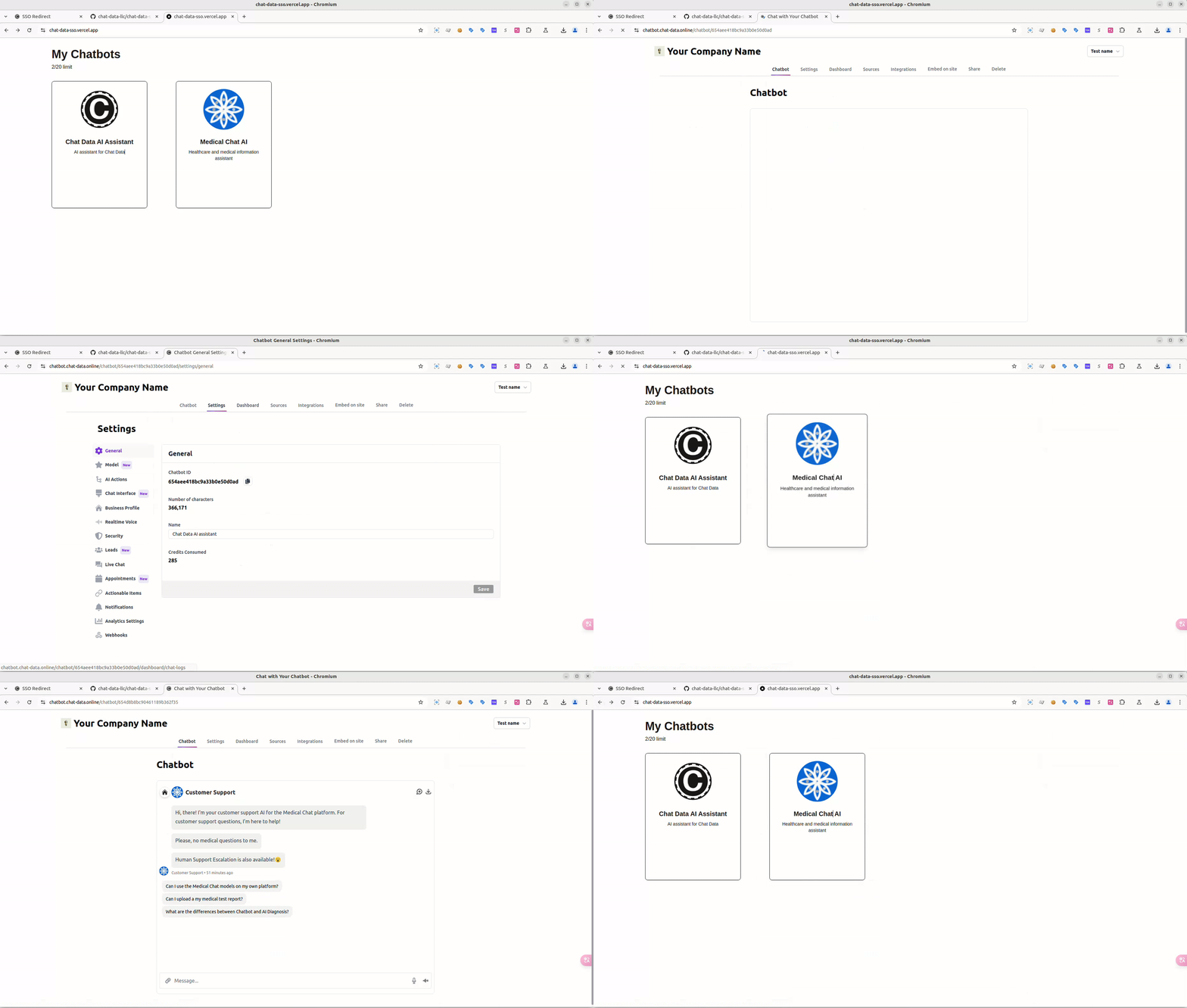
We're excited to launch SSO Login for our Reseller customers, allowing your users to manage their chatbots while maintaining your brand identity throughout.
🌟 Key Features
- Seamless Authentication: Direct access without Chat Data registration
- Complete White-Labeling: Your branding throughout the experience
- Full Admin Control: Comprehensive chatbot management and dashboard access
- Secure & Private: No user data stored on our platform
💪 Capabilities
Users can:
- Manage chatbot settings and behavior
- Access analytics dashboard
- View conversation history
- Configure basic integrations
🚀 Quick Setup
- Configure SSO token generation
- Add redirect endpoint
- Test and deploy
For implementation details, check our documentation.
💡 Perfect For
Resellers wanting to provide customers with professional chatbot management capabilities without building custom dashboard solutions.
2025-03-03
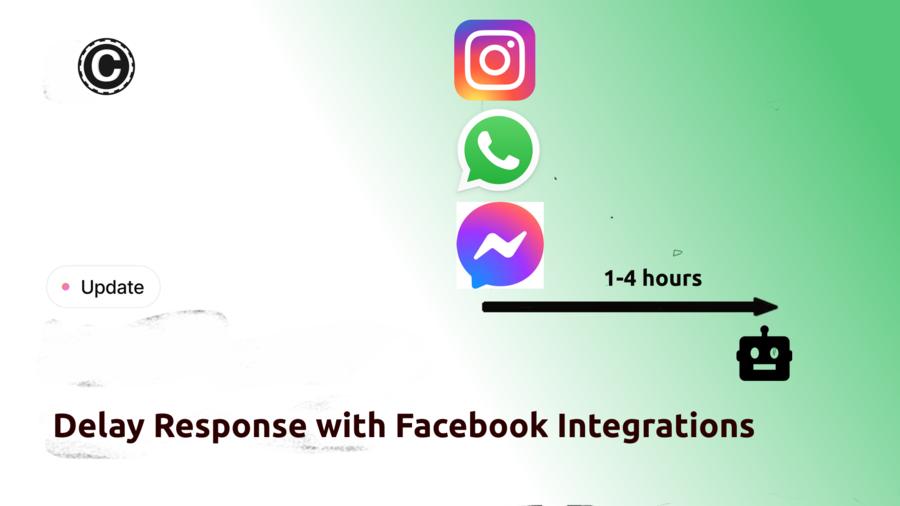
Introducing response delay settings for Facebook integrations. This feature allows you to configure random response delays for your AI chatbots on WhatsApp, Messenger, and Instagram, making interactions feel more natural and less bot-like.
What's New
- Configure custom delay ranges for each platform
- Random delays between 0-4 hours
- Easy setup through the Integrations tab
- Improved user experience for roleplay scenarios
This update helps create more authentic conversations by preventing instant responses that typically give away AI chatbots.
2025-02-28
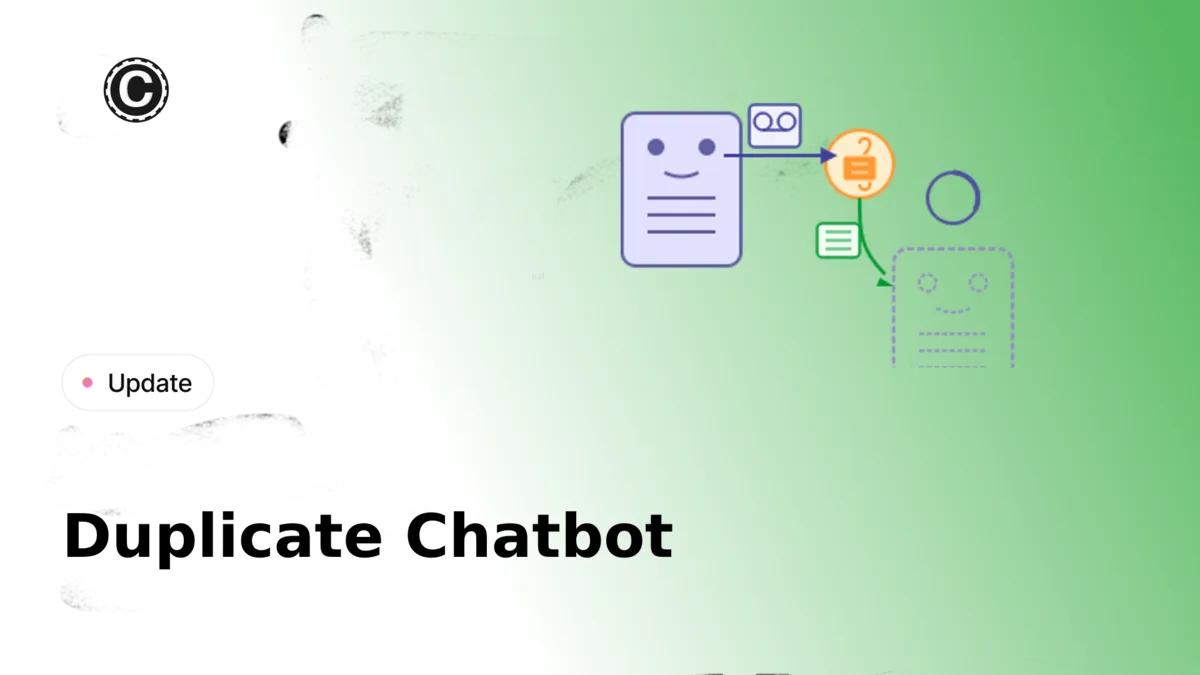
Introducing Chatbot Duplication - A powerful new feature that enables administrators to clone both chatbot configurations and training data with ease.
Key Features
- Full Configuration Copy: Duplicate your chatbot's entire setup with a single click
- Optional Training Data: Choose whether to include or exclude existing training data
- Secure Transfer: Sensitive configurations like webhooks and team settings are automatically excluded
- Flexible Ownership: New copies are owned by the user initiating the duplication
Access Control
Available to chatbot owners and users with admin privileges, this feature can be accessed directly from the my-chatbots dashboard.
2025-02-26
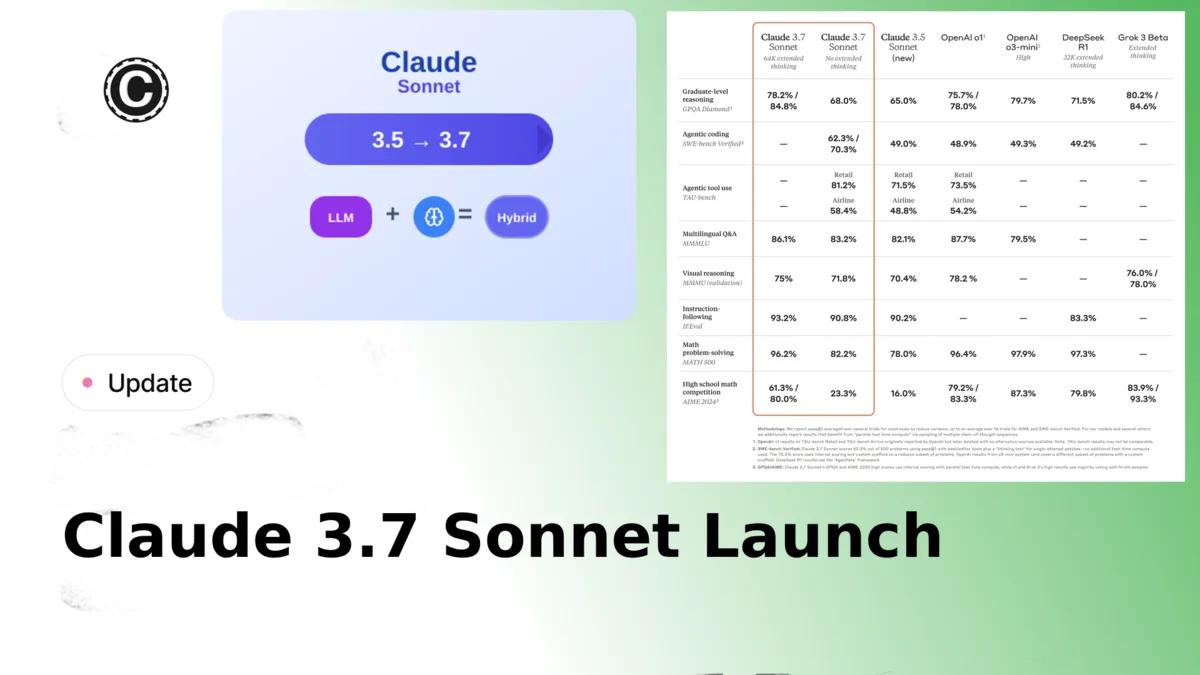
We are excited to announce the launch of Claude 3.7 Sonnet to our chatbot platform. This new model brings significant improvements in speed, accuracy, and thinking capabilities.
Key Features
Dual Response Modes
- Standard Mode: Delivers near-instant responses without visible thinking process
- Extended Thinking Mode: Shows step-by-step reasoning, making the AI's thought process transparent to users
Performance Improvements
- Faster Response Generation: Significantly faster than DeepSeek-R1
- Better Response Quality: The new model can generate more accurate response compared with the old Claude 3.5 Sonnet model
- Enhanced Reasoning Control: Unlike DeepSeek-R1, Claude 3.7 can effectively disable its thinking output when needed
Accuracy Enhancements
- Coding Excellence: Particularly strong improvements in coding tasks
- Web Development: Superior capabilities for front-end web development tasks
Pricing
Claude 3.7 Sonnet is available at the same price point as Claude 3.5 Sonnet, making it a straightforward upgrade for existing Claude 3.5 Sonnet users.
Upgrade Recommendation
We recommend all Claude 3.5 Sonnet users upgrade to Claude 3.7 Sonnet to take advantage of these improvements with no additional cost.