Changelog
Stay up to date with the latest Chat Data feature updates, improvements, and bug fixes.

2025-04-16
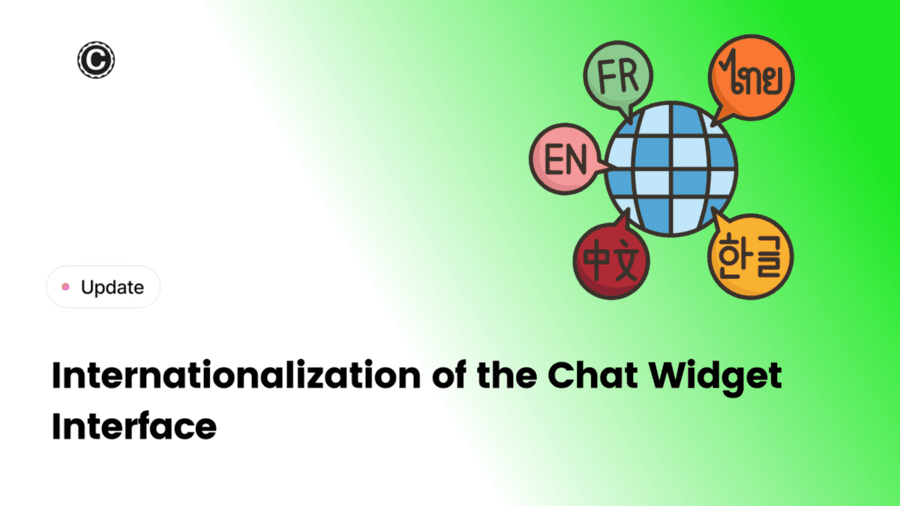
We're excited to introduce Internationalization (i18n) — a new feature that allows your chatbot interface to automatically adapt to your users' browser language.
Previously, even if you could choose your own text or initial message in your own locale, you were bounded by that single text in the single locale only.
With internationalization, you can now customize initial messages, suggested replies, and other chatbot texts in multiple languages, providing a more personalized experience for your global audience.
To enable it, head over to Settings > Chat Interface > Enable Internationalization (i18n).
2025-04-08
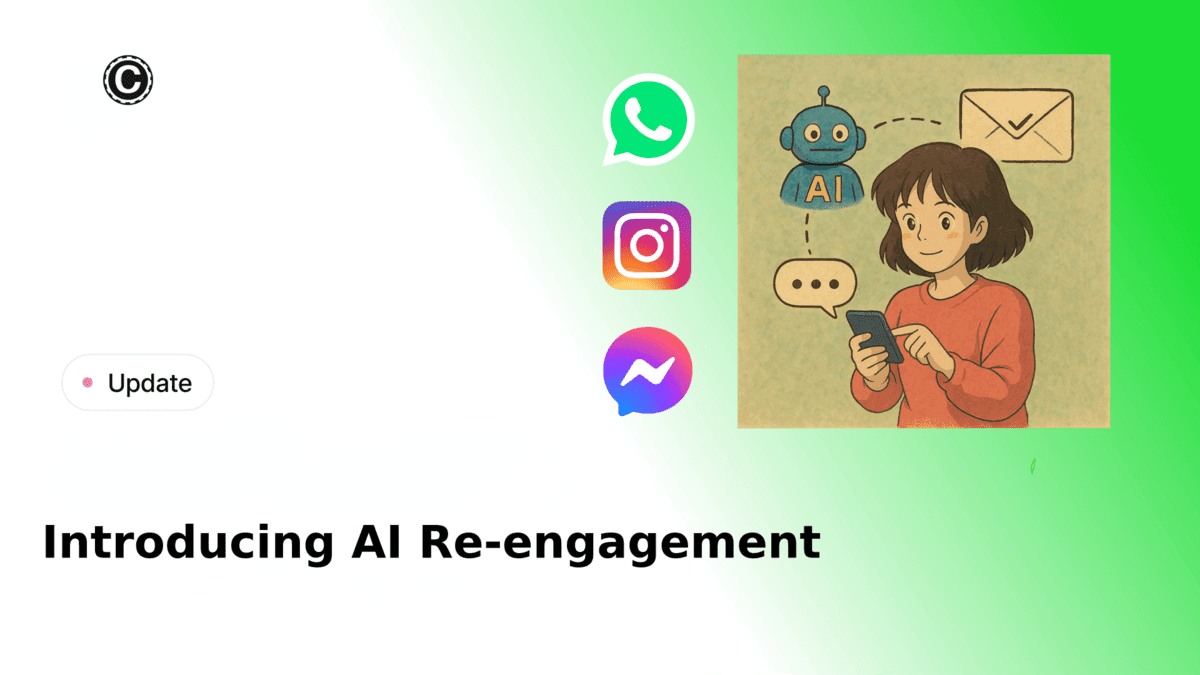
Introducing AI Re-Engagement - Our AI agent now intelligently follows up with customers on WhatsApp, Messenger, and Instagram within 24 hours based on conversation context.
Background
Following initial customer interactions, timely follow-ups are crucial for ensuring customer satisfaction. Since manually following up with each customer isn't scalable, we've developed an AI system that intelligently manages customer re-engagement within a 24-hour window.
How it works
You can customize three key aspects of the re-engagement:
- The time window for follow-up after the last message
- The specific conditions that trigger a follow-up
- The style and content of the re-engagement message
When the specified time arrives, the AI evaluates whether the conversation meets your defined re-engagement criteria. If the conditions are met, it sends a contextually appropriate follow-up message based on the previous conversation.
How to set up
Simply configure the time window, trigger conditions, and messaging instructions after connecting your WhatsApp, Messenger, or Instagram account with your AI agent.
2025-04-07
Gemini 2.5 Pro is the latest and most advanced AI model from Google DeepMind, designed to push the boundaries of intelligent problem-solving. As an experimental release in the Gemini 2.5 series, it excels in complex reasoning, advanced coding, and multimodal understanding. With top-tier performance across industry benchmarks—including math, science, and code generation—Gemini 2.5 Pro represents a significant leap forward in AI capabilities. Featuring a massive 1-million-token context window and state-of-the-art reasoning, it's built to handle the most challenging tasks across a wide range of domains.
The credit cost of Gemini 2.5 Pro is the same as Gemini 1.5 Pro. Due to the higher capabilities of Gemini 2.5 Pro at the same cost, we have deprecated the Gemini 1.5 Pro model.
2025-04-04
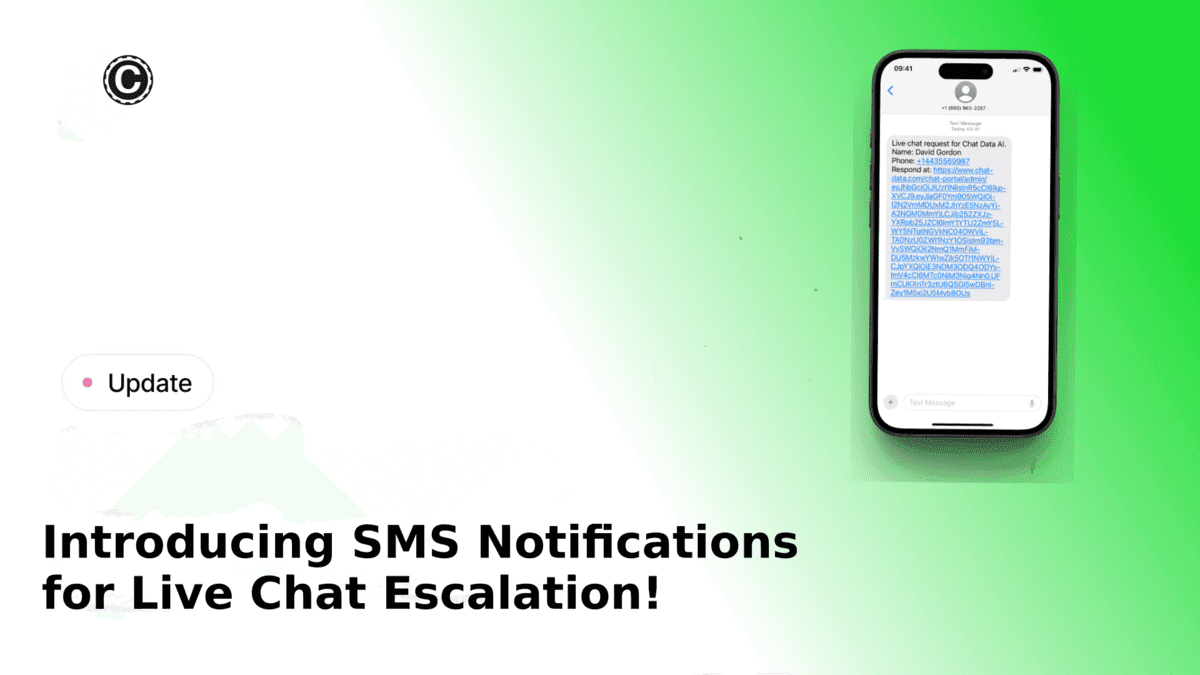
We're excited to announce a new way to stay connected with your customers and operators—SMS notifications for live chat escalation!
Now, in addition to email, webhook, and Zendesk notifications, you can send real-time SMS alerts to operators and customers. Whether it's notifying an agent about a new live chat escalation or updating a customer when their message gets a response, SMS ensures instant communication and a seamless support experience.
Key Features:
- Import Phone Numbers from Twilio – Bring your Twilio numbers into Chat Data for sending and receiving SMS notifications.
- Use Platform-Provided SMS – No Twilio number? No problem! Use our Twilio-powered number for just $0.05 per SMS.
- Agent SMS Alerts – Notify up to 5 operator agents via SMS when a chat is escalated.
- Lead SMS Notifications – If a lead provides their phone number and opts in, they'll receive an SMS when they get a response.
- Custom Opt-In Text – Personalize the opt-in message in the lead form.
How to Get Started:
- Import your Twilio phone numbers in Settings > Phone Numbers (free).
- Enable SMS notifications in Settings > Live Chat.
- Choose your SMS sender (your Twilio number or our platform-provided option).
- Set up agent receivers and lead opt-in preferences.
💡 Pro Tip: Don't have a Twilio number? You can use our platform’s Twilio number and simply purchase SMS credits via our Pricing Page.
This feature ensures that no lead or escalation goes unnoticed. Get started today and enhance your live chat experience with SMS!
2025-03-22
Following the previous release of the Customize Voices with Your Chatbot, we are excited to extend custom voice support to real-time voice-to-voice chat. With this feature, you can replace the native voices of OpenAI with your own customized voice from ElevenLabs while still enjoying all the powerful features of OpenAI's real-time voice functionality.
How to use it
- You can simply turn on the 'User Customize Voice' toggle in the Realtime Voices settings. Then, the output voices of the real-time communication will switch to your chosen voices configured in the Customize Voices settings, as shown below.
After enabling the feature, the output voices of the real-time communication will switch to your chosen voice while maintaining all the other features of the real-time voice-to-voice chat. Because you are using your own customized voice, users cannot select OpenAI's provided voices in the Chatbot interface anymore.