Changelog
Stay up to date with the latest Chat Data feature updates, improvements, and bug fixes.

2026-01-31
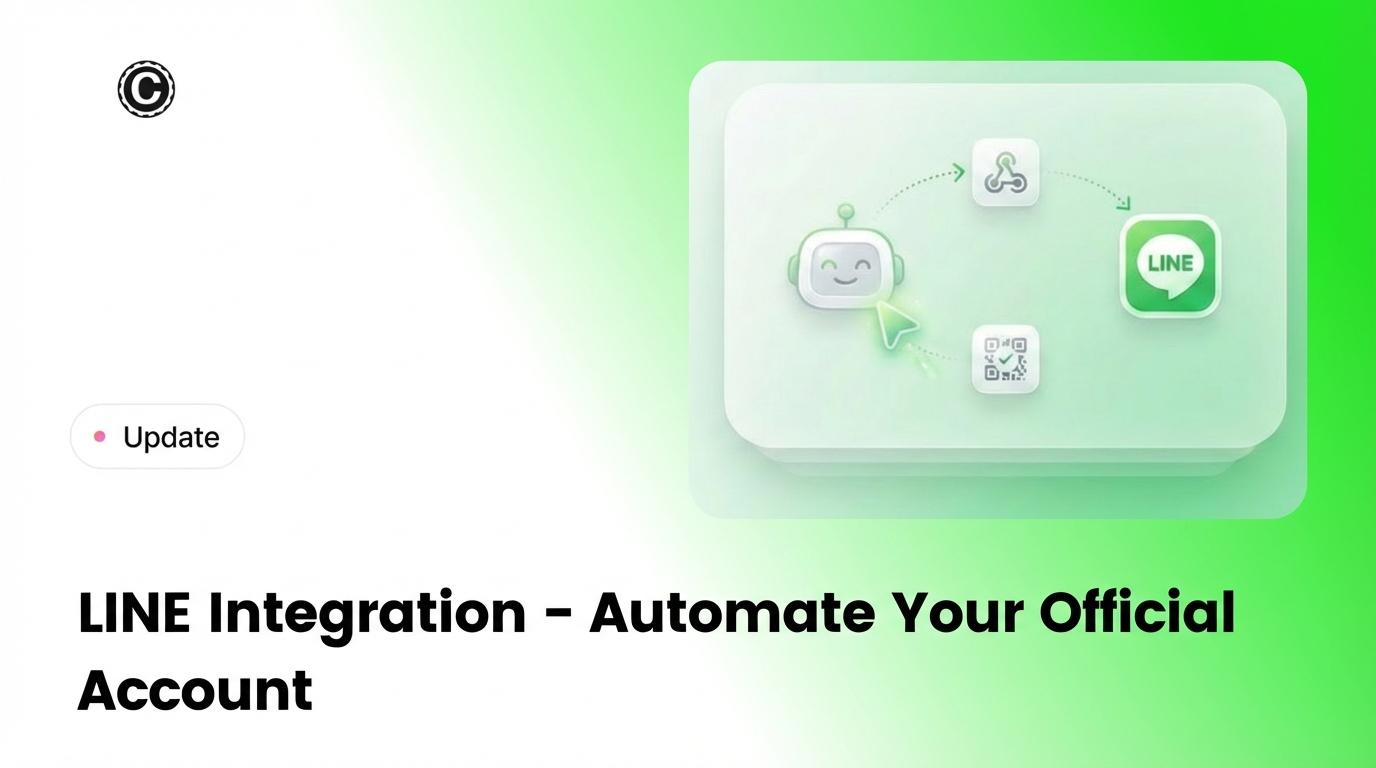
LINE integration is here, so you can connect your LINE Official Account to Chat Data and let AI handle incoming messages. Setup is quick—add your Channel ID and Secret and we’ll configure the webhook for you. From there, tune response formats, timing, and follow-ups per channel to keep conversations natural.
Highlights
- Official Account automation - Respond to customers on LINE with your AI chatbot
- Fast setup - Add Channel ID and Secret, webhook is set automatically
- Per-channel controls - Text, audio, or mixed responses with delays and follow-ups
- Multi-channel support - Connect more than one LINE channel to a single chatbot
- Live chat ready - Jump in with a human when needed

2026-01-24
Drag-and-drop file uploads are now supported in the website chatbot widget, making it easier for visitors to share context. When File Uploading is enabled in Settings > Chat Interface, users can drop multiple supported files into the widget or click to upload as usual.
Highlights
- Drag-and-drop uploads - Drop files directly into the widget.
- Multi-file support - Upload multiple files in one action.
- Same enable toggle - Works once File Uploading is enabled in Settings > Chat Interface.
- Click upload remains - The upload button still works.
2026-01-22
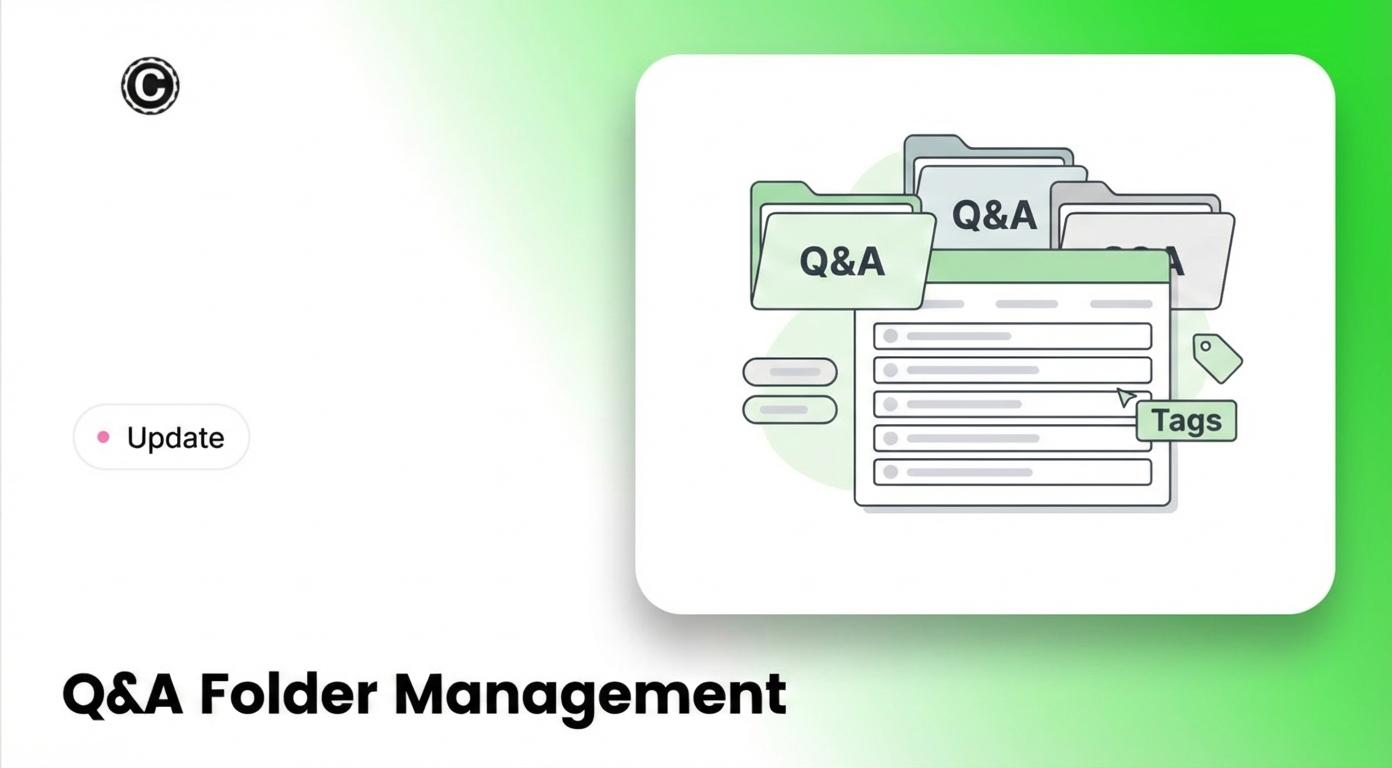
Organize Q&A training sources into folders so teams can keep related entries together by topic, product, or workflow. Folder names are for organization only and do not affect training. Q&A behavior stays exactly the same.
Highlights
- Organize Q&A sources - Group entries into folders for faster navigation.
- No training impact - Folder names are ignored during training.
- Same workflow - Create, edit, and retrain Q&As just as before.
- Easy to find - Go to Sources > Q&A.
2026-01-20
Direct Product Importing:
- Connect Magento 2 store via Integration API
- One-click import entire product catalog
Order Tracking AI Action:
- Customers check order status via chatbot
- Lookup by email or order number
Real-Time Sync:
- Install Chat Data Webhook plugin
- Auto-sync product changes
2026-01-15
Direct Product Importing:
- Connect Shopware 6 store via Integration API
- One-click import entire product catalog
Order Tracking AI Action:
- Customers check order status via chatbot
- Lookup by email or order ID
Real-Time Sync:
- Install Chat Data Webhook plugin
- Auto-sync product changes