Changelog
Stay up to date with the latest Chat Data feature updates, improvements, and bug fixes.

2026-11-13
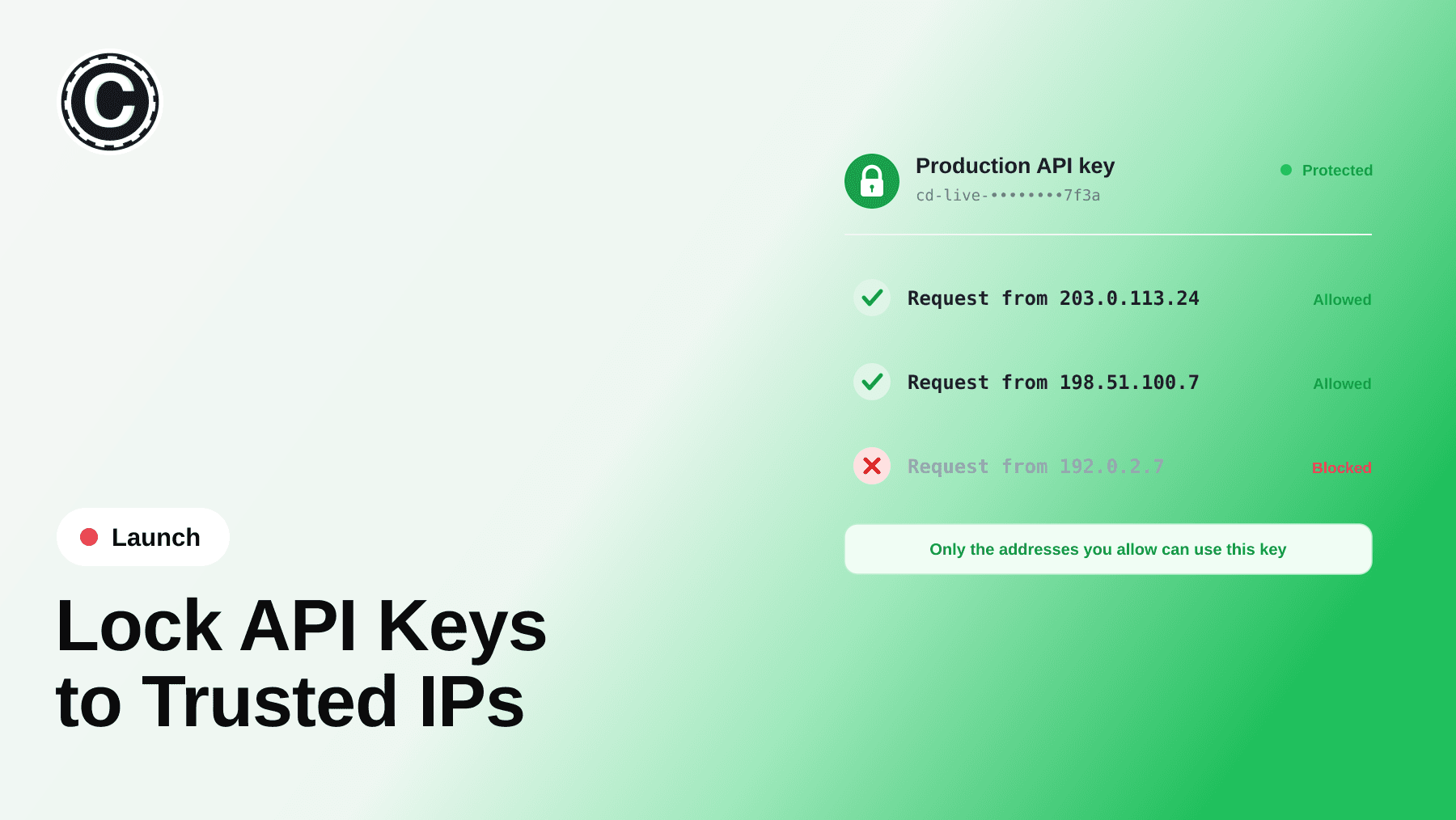
An API key is like a password that lets another program — for example, a connection someone set up between your online shop and Chat Data — use your Chat Data account. Until now, every key could do everything. Now you decide what each key may do, which chatbots it works with, and how long it lasts. If you don't use API keys, nothing changes for you — not sure? The post shows how to check.
🔑 What's New
- Access levels: give a key only the power it needs — from Read (look and chat) up to Admin (can also delete chatbots and conversations)
- Pick the chatbots: let a key work with all your chatbots, or only the ones you choose
- Expiry dates: make a key stop working on its own after a day, a week, a month or longer
- On/off switch: pause a key without deleting it
- Extra protection (for your helper — whoever connected your shop or app): make a key work only from certain computers, and see which computers used it
Your existing keys keep working exactly as before.
2026-11-13
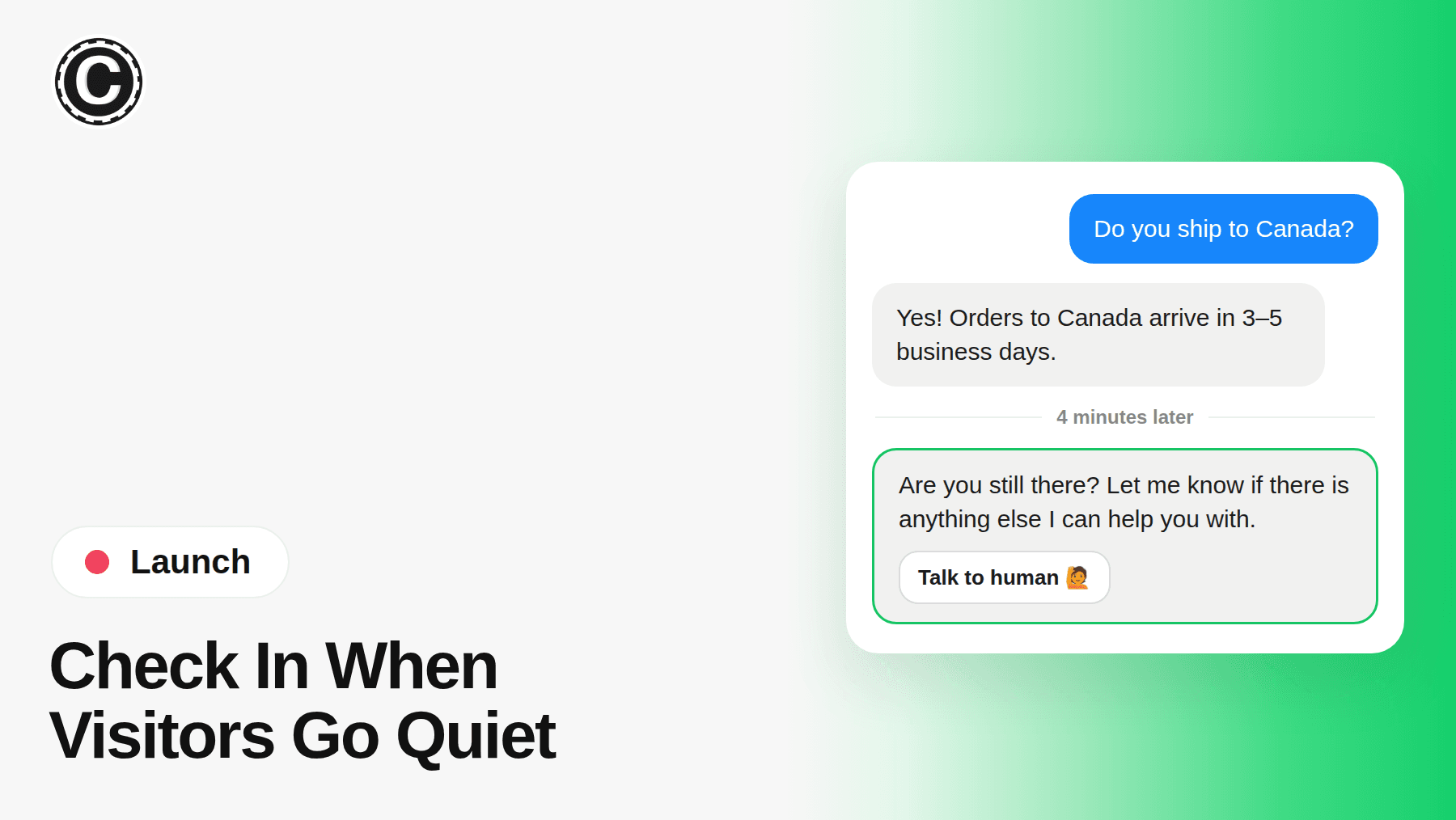
When a website visitor stops replying after your AI answers, the chatbot now sends one friendly check-in — so nobody is left wondering whether they got the help they needed.
👋 What's New
- One check-in, 4 minutes after the visitor's last message: never more than one per pause
- Your words, in their language: edit the message; it is translated with your other custom messages
- Offer a human: optionally show your live chat button with the check-in
- Auto-close if you want it: mark quiet conversations resolved after a wait you choose
⚡ Where to Find It
Interface settings → Inactivity Follow-up. It is on for website widgets; switch it off there anytime.
2026-11-11
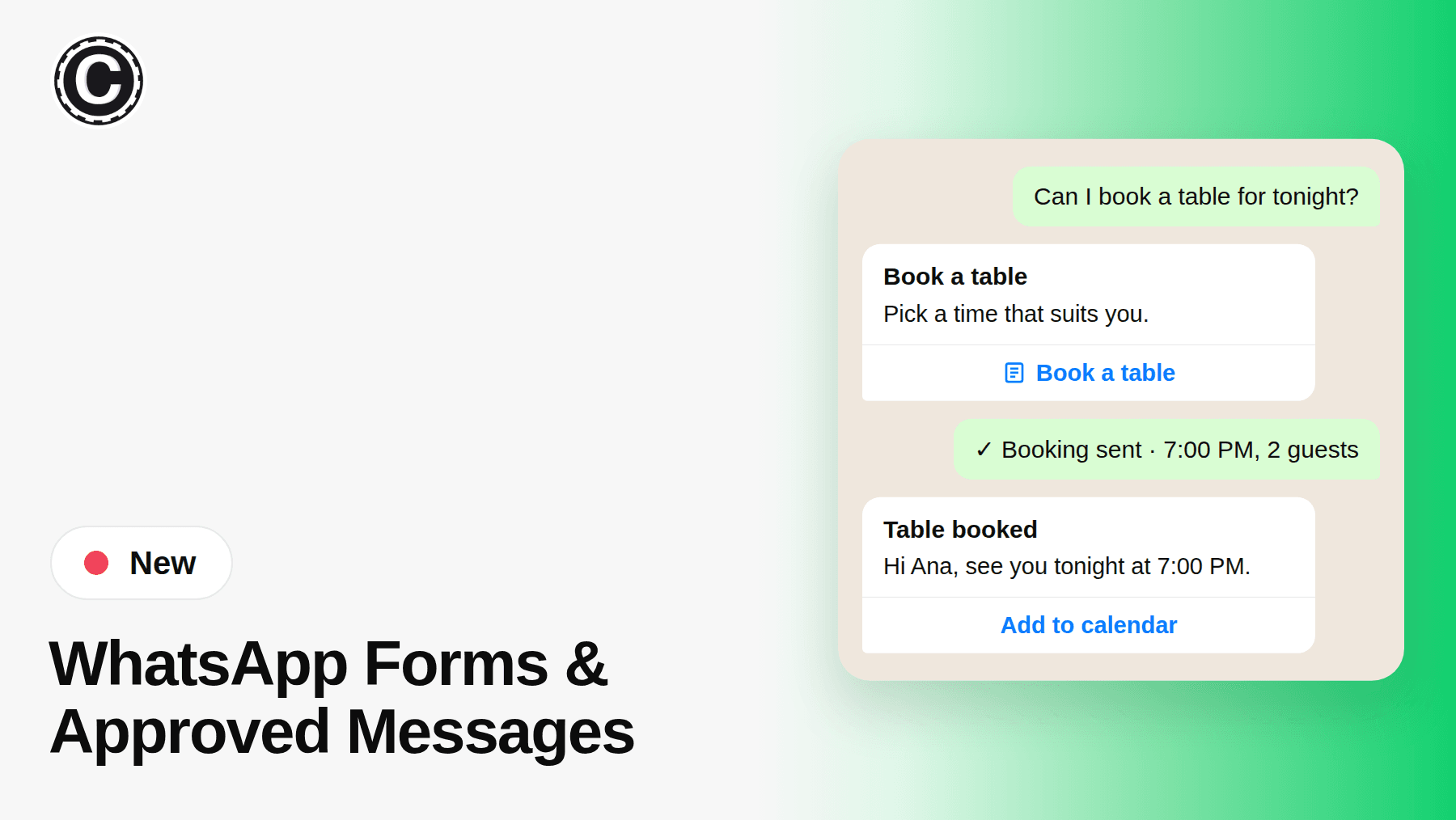
Your chatbot can now send two new things on WhatsApp: a form your customer fills in without leaving the chat, and a ready-made message WhatsApp has approved. You choose which ones, and your chatbot fills in the details.
2026-11-07
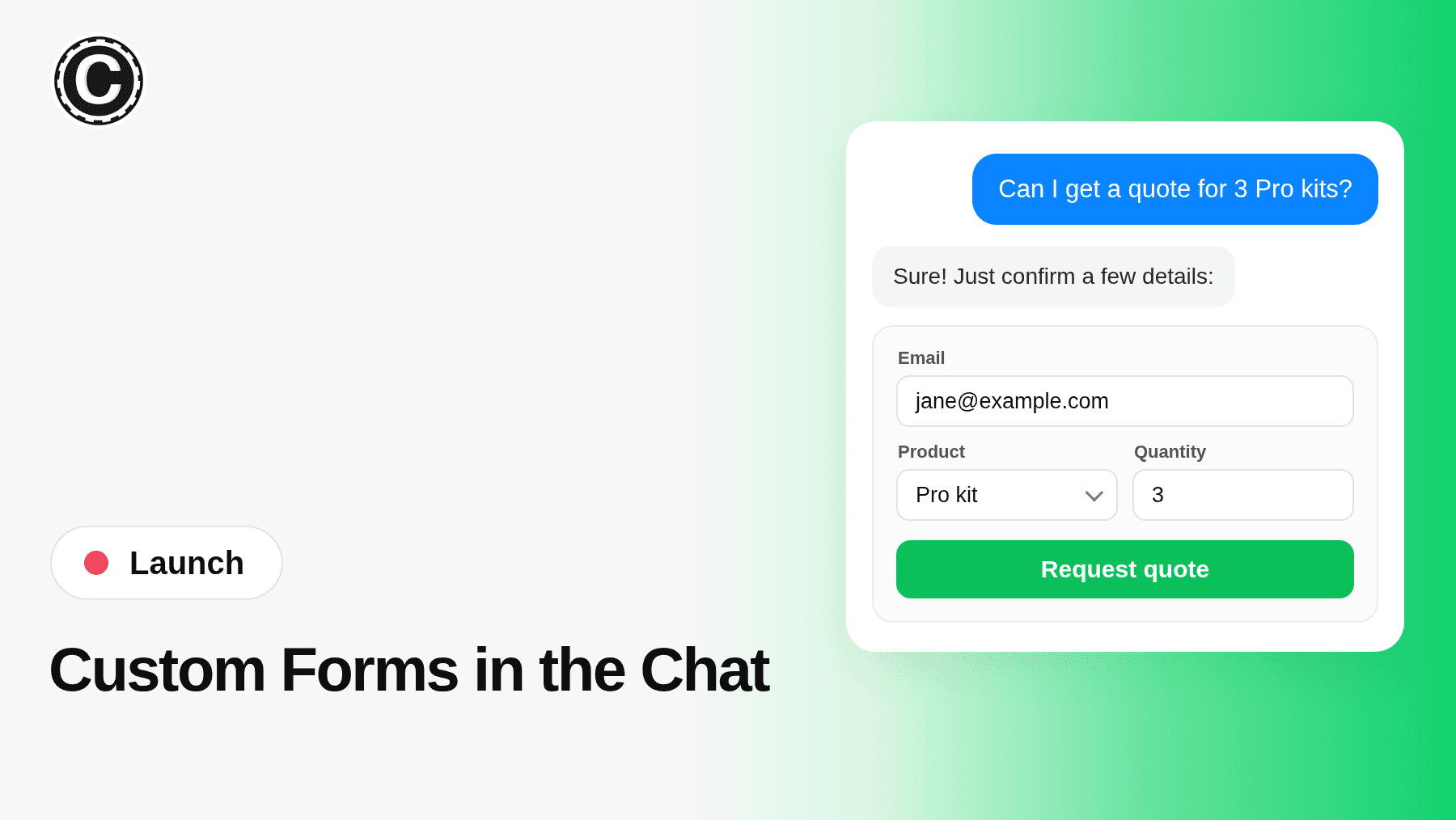
Your chatbot can now open a form right in the chat when it needs details from your visitor: a quote request, a booking, a return. Build it in your dashboard, no code needed.
2026-11-03
Google Drive training now goes beyond Google Docs and Google Sheets. Train your AI agent on Word and PDF files stored in Drive, and pick from every file you can access, including files shared with you and files in shared drives.
Highlights
- Word and PDF files - Import .docx and .pdf files straight from Google Drive.
- Shared files - Pick files other people share with you, not just files you own.
- Shared drives - Browse your team's shared drives right in the file picker.
- Same workflow - Import, retrain and keep content up to date just as before.